Download RABAH clients
Keep your Agent ready on your computer. Carry the controls with you on your phone.
Desktop Companion On your computer,
On your computer,
keep the Agent ready
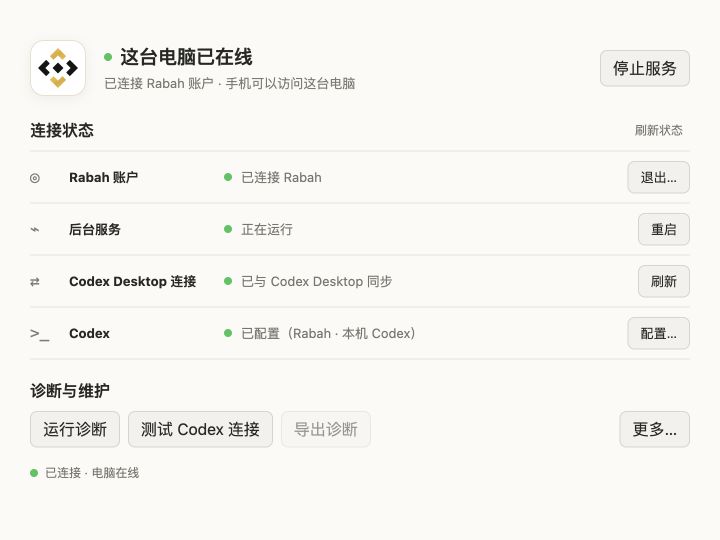
RABAH Companion keeps local Agents online and safely connects your account and API. Every task still runs on your own computer.
Mac and Windows downloads are available
Connect from your phone iPhone and iPad,
 iOS TestFlight available · Android coming soon
iPhone and iPad,
work from anywhere
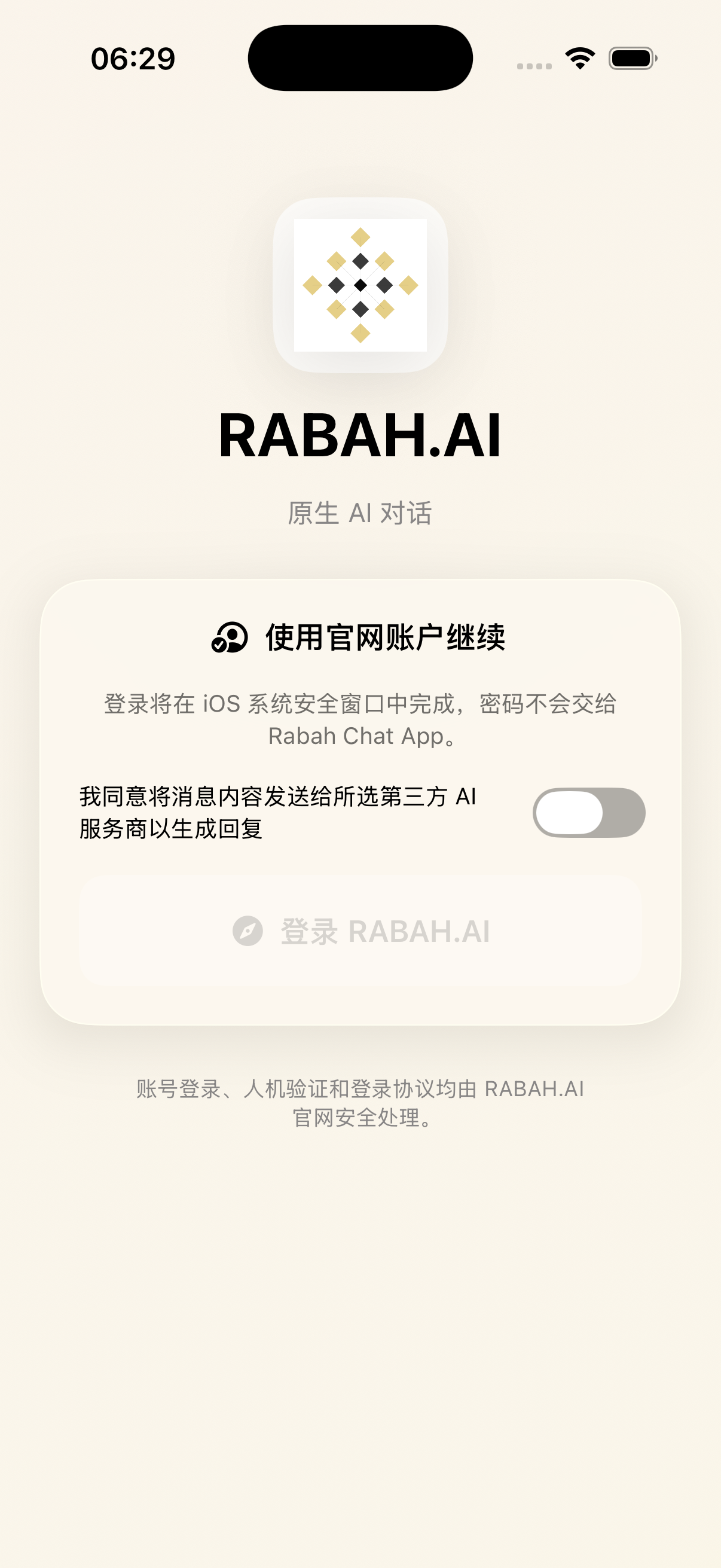
Use the same RABAH account to talk with your Agent, review progress, handle approvals, or remotely access your devices.


To use Remote Agent, install Desktop Companion on your computer first, then connect from the mobile app with the same account.
View system requirementsSystem requirements
Mac: macOS 14+ (Apple silicon) · Windows: Windows 10/11 (64-bit) · Mobile requirements are listed in the app stores. Your computer must remain online and awake for remote use.
Back to homepage